Blog

If you voice e-learning, explainers, corporate videos or phone systems, many of the people who hire for that work spend their working day on LinkedIn. This guide is for voice actors who have a profile they set up years ago and never touched, or no profile at all. It covers what to fix first, how to get your demo onto the page, the free Service Page most voice actors don’t know about, what to post, and how to reach out without sounding like a spam bot.
Why LinkedIn, when you’ve already got a website
Think about who buys corporate voice work. It’s instructional designers building a compliance course, marketing managers with a product video due, agency producers, HR teams putting together onboarding. They don’t hang around voice acting forums. They’re on LinkedIn, because that’s where their job lives, and when they need a voice they often ask their network first.
LinkedIn also wants freelancers there. Its help pages describe Service Pages as “free dedicated landing pages that showcase your services and businesses,” and say plainly that “Freelancers and small business owners who offer a service can create a Service Page.” More on that below.
Your website still matters. LinkedIn doesn’t replace it. It’s the room where the clients already are, and a good profile means that when someone says “does anyone know a voice actor?”, your name has somewhere useful to land.

© The Voice Realm
Fix the profile before you message anyone
Tracy Lindley is a voice actor who teaches other voice actors how to use LinkedIn, and she was firm about the order of things when she spoke to Anne Ganguzza on the VO BOSS podcast: “Do not start reaching out to people if you haven’t completely shined up your profile and made it the best it can be.” Every message you send leads to your profile, so it has to be ready before anyone arrives.
She also made a point about tone that’s worth holding onto: “So when you create your profile, though, you are your most businessy self on LinkedIn.” Your Instagram can be chaos and kids and coffee. On LinkedIn, the reader is asking one question: can this person be trusted with my project and my deadline?
Start with the basics. Your photo should be you. LinkedIn’s own rules say “your profile photo must reflect your likeness,” and it may remove pictures that are only a logo or a stock image, so a microphone or your brand mark won’t do. A clear, friendly head and shoulders shot in good light is plenty.
The background photo behind it is where you can show the work. A clean shot of your booth or studio corner tells a buyer you’ve got a proper set-up before they’ve read a word.
Then tidy your address. LinkedIn lets you set a custom profile URL, and its help page says it “can be 3-100 characters long” with no spaces or special characters. Grab your name, or the name you work under, so it looks right on an invoice or an email signature. Don’t fiddle with it too often, though: you can only change it five times in six months.

© The Voice Realm
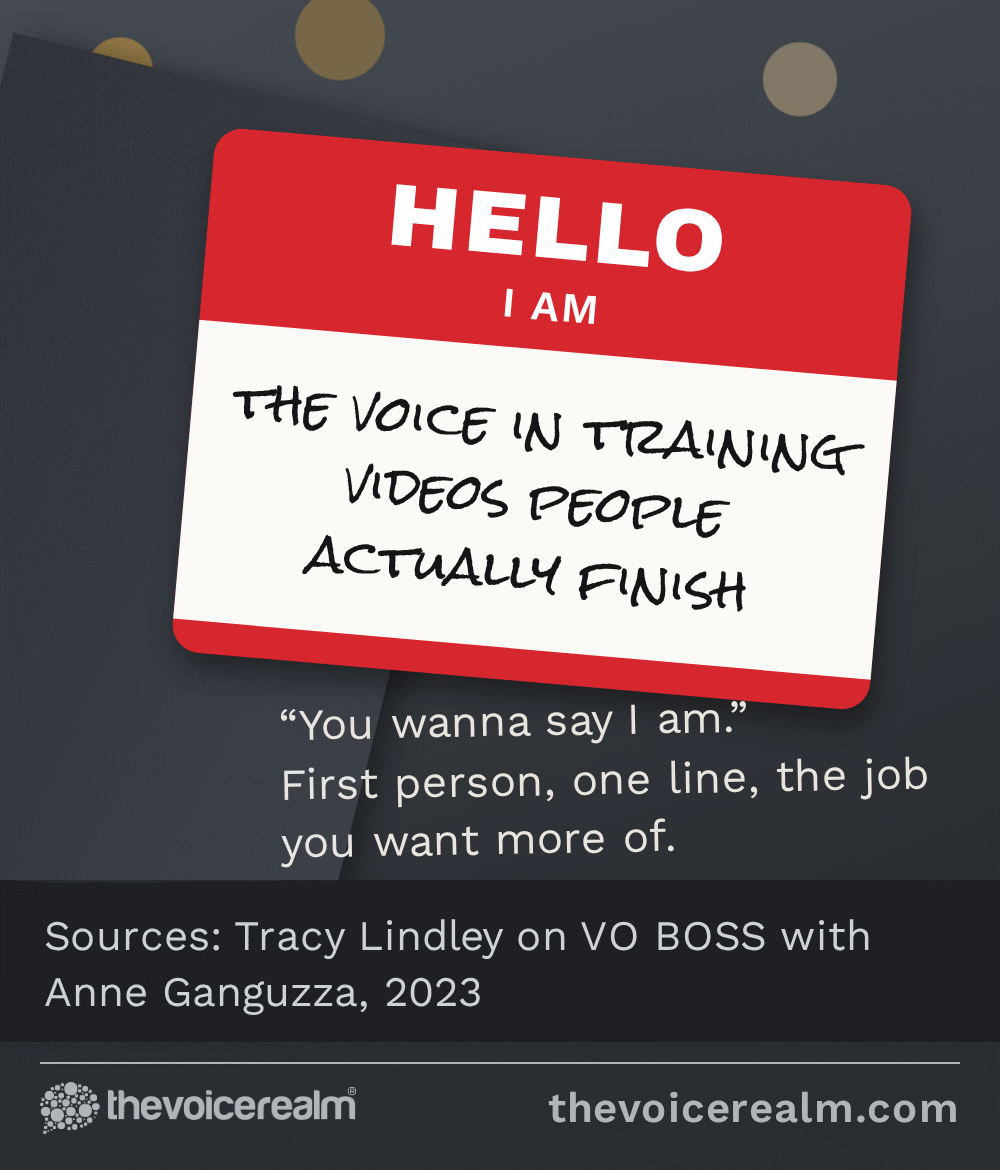
Write it in the first person
Lots of voice actors write their profile like a press release. “Jane Smith is a versatile voice talent with ten years of experience.” Lindley’s advice is to drop that and talk like a person, and she gave a neat way to picture it: “I tell people to look at it as if you were at a networking event and you’re meeting someone for the first time and they say, what do you do?”
Third person, every genre
Jane Smith is a versatile, award-winning voice talent offering commercial, narration, character, IVR, audiobook and e-learning voice overs worldwide.
First person, one clear job
I narrate e-learning and explainer videos for tech and healthcare teams. Warm, clear, easy to listen to for an hour. I record in my own treated studio and turn most scripts around the next day.
Your headline, the line under your name, is the most important line on the page. It shows up next to everything you post and every comment you make. Lead with the work you want more of, in the words a buyer would use. “E-learning and explainer voice actor” will be understood by an instructional designer. “Vocal storyteller and sonic chameleon” won’t.
In your About section, keep the big picture: who you help, what you sound like, how you work. Lindley’s suggestion is to save the detail for the Experience section, where you list your voice work as a job, “that’s when you get into more of the nitty gritty like clients, agents, those kinds of things.” If you’ve already written a bio for your website, our guide to writing a voice actor bio that gets you hired works here too. Just switch it into the first person.
© The Voice Realm
Put your demo right on the page
This is where most voice actors’ profiles fall down. A buyer lands, reads, and has to go somewhere else to hear them. Lindley is blunt about it: “And don’t make ’em go looking on your website. That wastes their time.”
 VOICEMASTERACADEMYLearn the craft in order.Module one is freeStart module oneTwenty modules, start to finish.
LinkedIn’s Featured section sits near the top of your profile and is built for exactly this. According to LinkedIn’s help page, you can feature posts, articles, links to outside sites, and “Media that you can upload, for example your images, documents, presentations, and videos.” Notice what’s missing: there’s no plain audio upload. So turn your demo into a video. A still image of you or your logo with the waveform moving underneath is enough, and most editing apps will do it in a few minutes. Lindley suggested the same thing for people just starting out: someone with a brand new demo and no body of work can “turn it into a video and display that on LinkedIn.”
Feature two or three things at most: your main demo, a demo for the genre you’re pushing on LinkedIn (usually e-learning or corporate), and a link to your website for anyone who wants more. Put the strongest first. And keep it current, because a three-year-old demo on your profile is the first thing a buyer hears.
Set up a free Service Page
Many voice actors have never switched this on. A Service Page lists the services you offer and puts you in LinkedIn’s directory of service providers. LinkedIn says “A Service Page makes your services more discoverable from LinkedIn or using search sites, such as Google.”
There’s another detail in LinkedIn’s guide for service providers: “Potential clients can contact providers for free, regardless of connection degree.” In other words, a buyer who has never heard of you can find you and send a request without needing to connect first.
Be clear about what’s free and what isn’t. Anyone can create a Service Page at no cost. Some extras, including showing media on the Service Page itself, need a paid Premium Business, Sales Navigator or Recruiter Lite subscription. You don’t need to pay to get started. Fill in the services you really do (voice over, narration, e-learning, IVR), write a short description in the same first-person voice, and see what comes in before deciding whether the paid features are worth it.
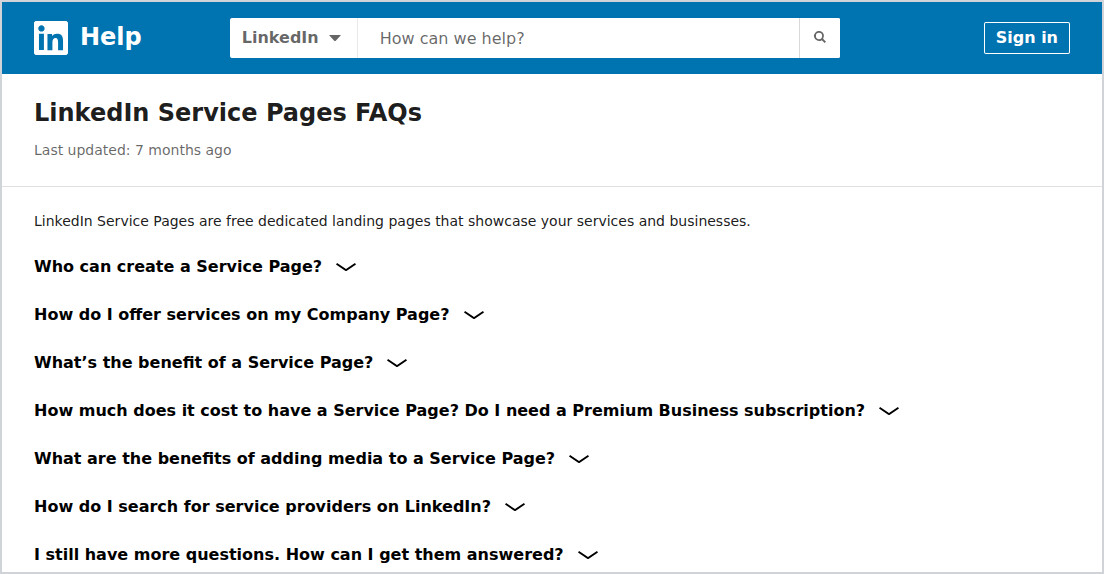
Screenshot: LinkedIn Help, Service Pages FAQs, 10 November 2026
Post like a person, not an advert
A good profile gets you found. Posting keeps you in people’s minds. You don’t have to post every day, and you definitely don’t have to post “available for bookings!” every week. Lindley’s view is that video works best right now, but only if it’s useful and short: “So when I post videos, I try to keep ’em less than two minutes, 90 seconds if I can.”
She also warned against talking about nothing. Give people something they can use or enjoy. A few ideas that suit a voice actor:
- A before and after of a sentence from a training script, read flat and then read the way a learner would actually stay awake for.
- A quick tip for people who write scripts: how long 150 words takes to read, or why “click the button below” sounds odd in a video with no button.
- A peek at your studio, your mic, your blanket fort, your dog asleep under the desk.
- A finished project you’re allowed to share, with a thank you to the team who made it.
Comment on other people’s posts too, especially the instructional designers, producers and marketers you’d like to work with. A thoughtful comment on someone’s course launch is worth more than ten posts nobody reads.
Reaching out without sounding like spam
Everybody has had the LinkedIn message that starts “Hi {first name}”. Don’t be that message. Lindley’s biggest tip is “to look for anything that you can use to find common ground.” For beginners she suggests starting local, because you can search by location and you’ve already got something in common. Read their profile first, too. As she put it, “If they’ve written any kind of personal about section, usually you can find something interesting there to comment about.”
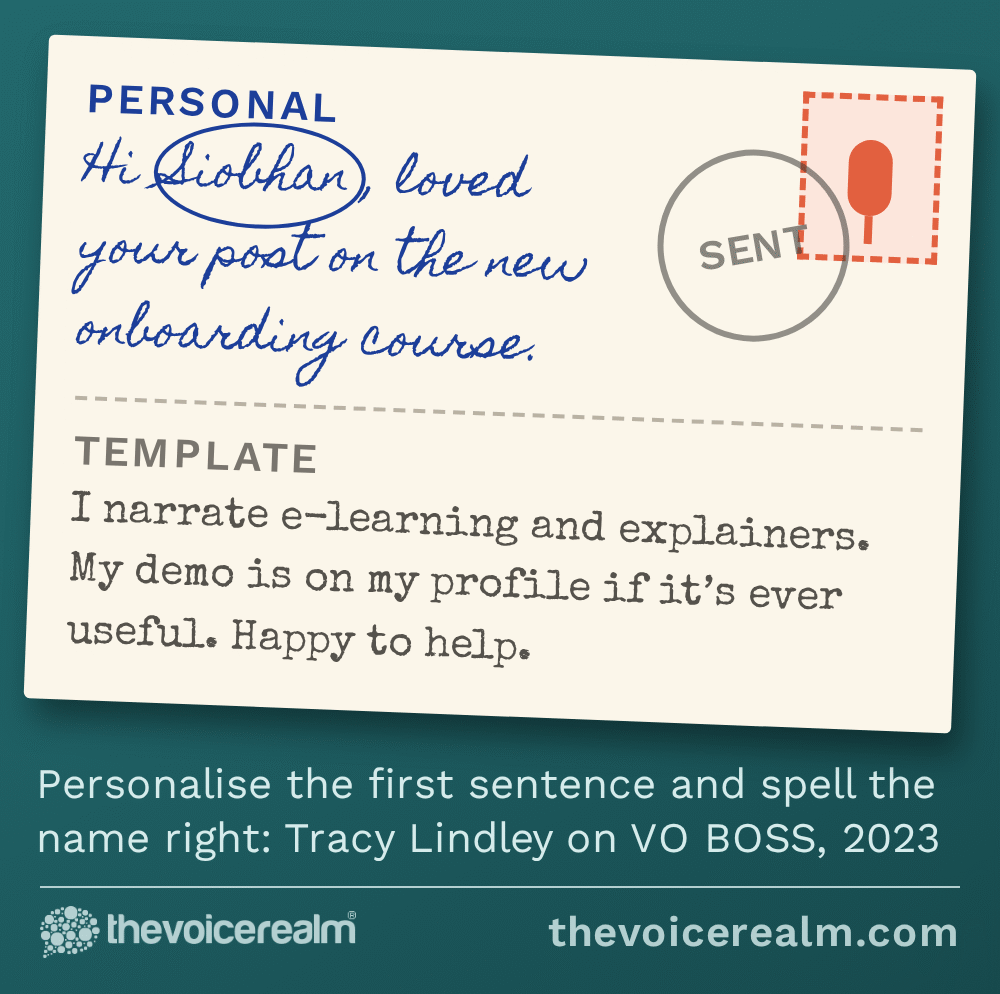
She isn’t against templates. Most of what you say to each person will be similar, and there’s no need to write it from scratch every time. The rule is to “personalize like the first sentence and always say that person’s correctly spelled name.” Get the name wrong and nothing after it matters.
Keep the rest short and easy to say yes to. Who you are, what you do, where they can hear you. No attachments, no rate card, no “I’d love to jump on a call”. If you’re sending a longer pitch by email instead, our guide to voice over marketing emails clients actually read covers what to put in it.
© The Voice Realm
A LinkedIn hour a week
None of this needs to eat your recording time. Once the profile’s done, an hour a week covers it. Twenty minutes to post something useful, twenty minutes to comment on posts from people in the industries you voice for, and twenty minutes to send three or four personal messages to people you’d genuinely like to work with.
Give it a few months before you judge it. LinkedIn is slow and relational. Most work comes from someone who’s watched your posts for a while and thinks of you when a project lands on their desk. If e-learning is the work you’re after, our guide to getting into e-learning voice over covers what those clients expect once they get in touch.
And keep auditioning while you build it. LinkedIn is a long game, and the voice over jobs on The Voice Realm are there for the work you can book this week.
Sources: VO BOSS, “LinkedIn with Tracy Lindley”, with Anne Ganguzza, April 2023. LinkedIn Help, “LinkedIn Service Pages FAQs”. LinkedIn Help, “Get started as a service provider on LinkedIn”. LinkedIn Help, “Manage featured samples of your work on your LinkedIn profile”. LinkedIn Help, “Profile photo guidelines and conditions”. LinkedIn Help, “Manage your public profile URL”.
Ready to get booked?
See the jobs open right nowAbout Sarah Robbins
Sarah Robbins writes for The Voice Realm about finding voice over work, home studios, casting and the business side of voice acting.