Blog
You’ve got a script, an audition due tonight and no microphone. What you do have is a phone that cost more than plenty of starter mics put together. So can you record a voice over on it? This guide is for anyone starting out, travelling, or caught short without their usual setup. It covers what a phone does well, the settings to change before you press record, where to put it, and the point where it stops being good enough.
Yes, it can, and the microphone isn’t the weak link
A modern phone has surprisingly decent microphones in it. They’re built to make your voice clear on calls, in videos and in voice notes, and in a quiet, dead room they’ll capture a read that’s perfectly usable for practice and for many auditions.
The catch is everything around the phone. Phones are designed to be helpful, so they often clean up, level out and reshape what they hear without asking. And because people hold them at arm’s length in kitchens and cars, they’re tuned to grab a lot of the room. Put a phone in a bare, echoey spare room and it’ll faithfully record every bounce off every wall.
So the honest answer is that the phone is rarely the problem. The room, the settings and the distance are. Get those three right and you’ll be surprised by what comes back.
© The Voice Realm
Pick the deadest room you’ve got
Echo is the giveaway that a voice over was recorded at home on the cheap. Clients can forgive a slightly thin sound far more easily than a read that sounds like it was done in a bathroom. Your job is to find somewhere soft.
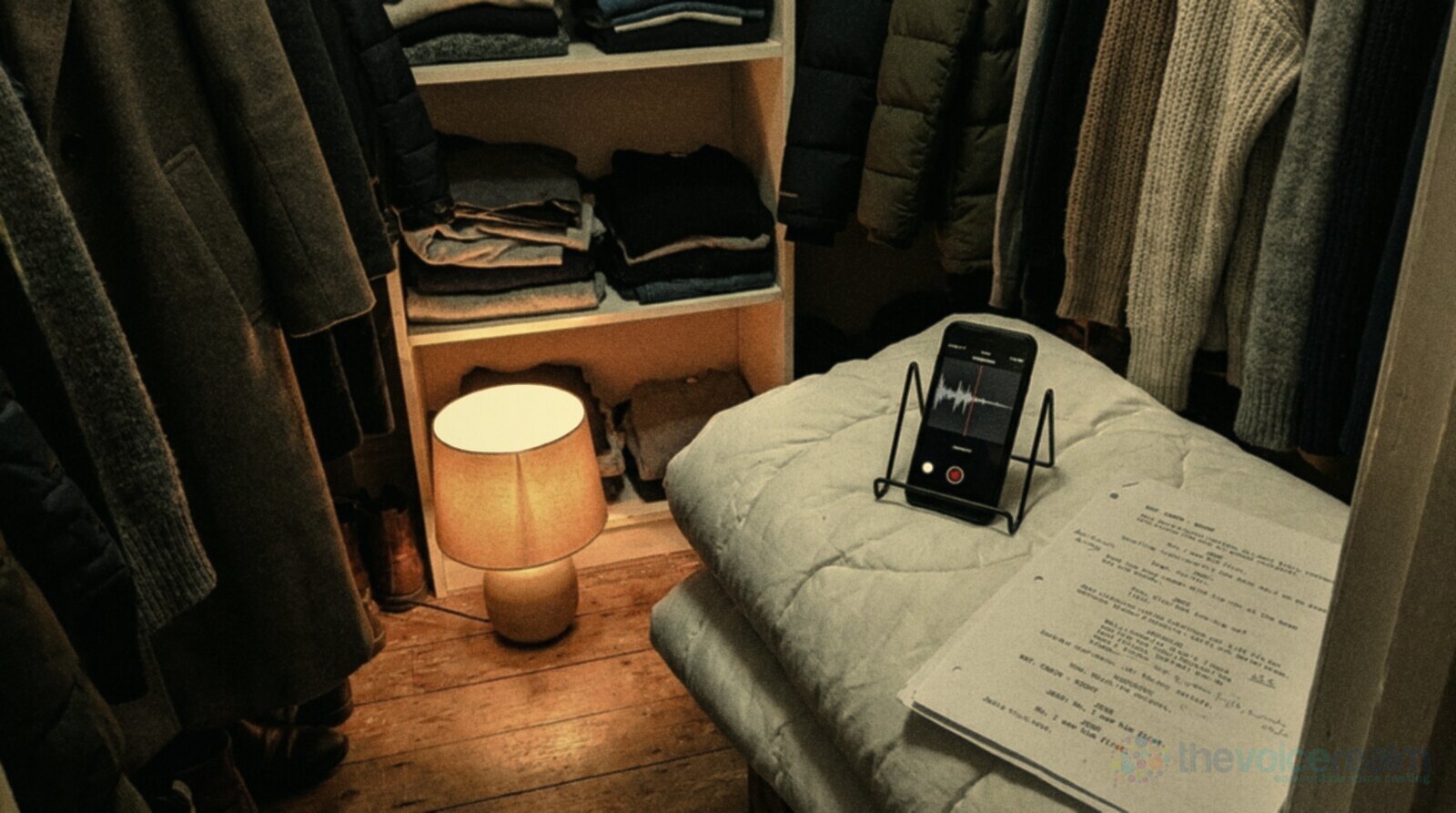
The classic answer is a walk-in wardrobe. All those coats and jumpers soak up your voice before it can bounce back at the phone. No wardrobe? Build a little cave: sit on the bed, drape a thick duvet over a clothes horse or two chairs in front of you, and record into the soft side. Curtains drawn and a rug on the floor help too.
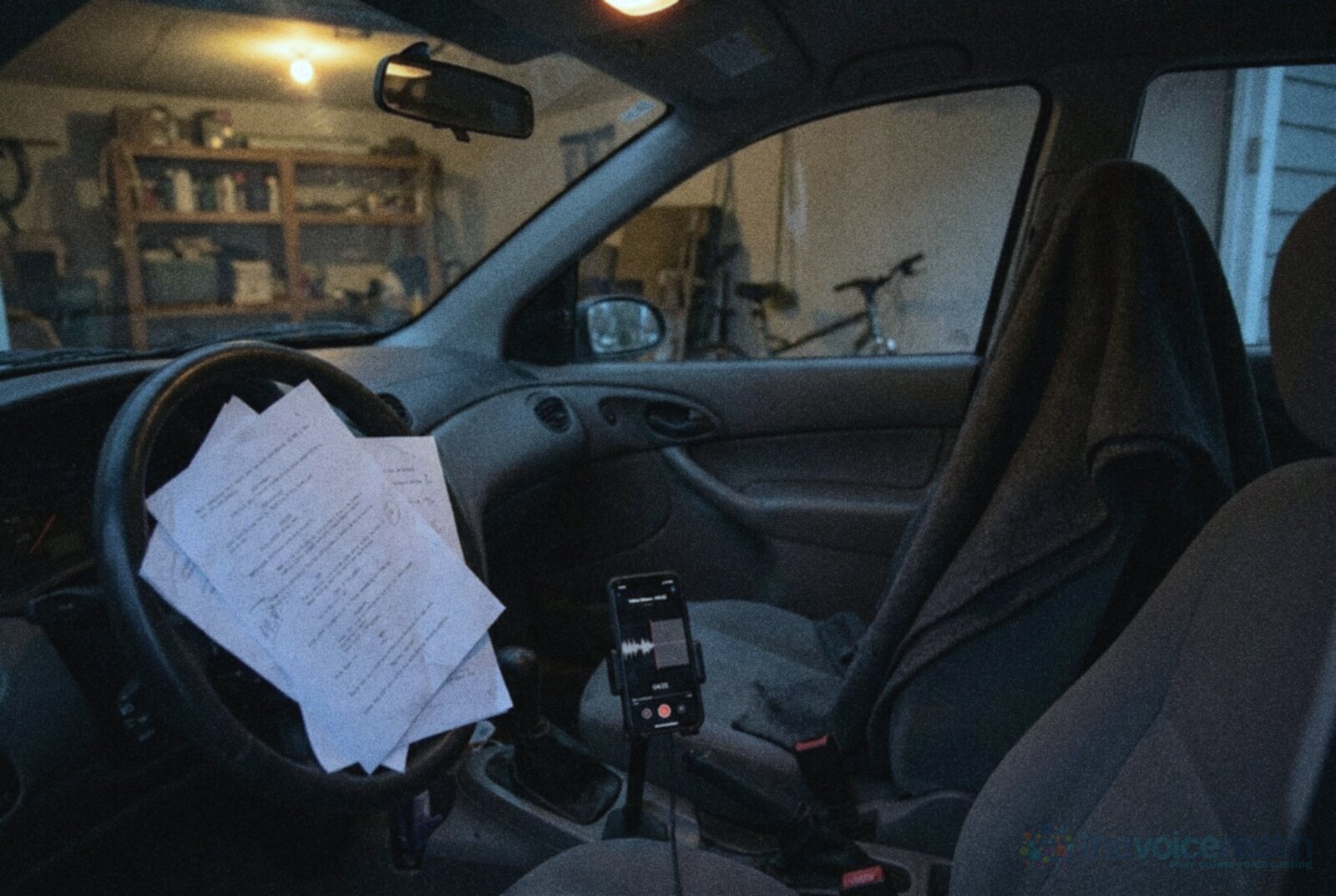
A parked car is another surprisingly good booth. The seats, headlining and small space soak up a lot of sound, and with the doors closed it keeps out quite a bit of the world. Park somewhere quiet, turn the engine off and wait for the ticking to stop before you start.
Before you commit, measure it. Record ten seconds of silence in two or three spots, then run each through the free Home Studio Analysis from Voice Edit Suite. It tells you how much noise and echo each spot has, so you’re choosing with numbers instead of guessing. When you’re ready for a permanent space, our guide to treating a room properly goes from free fixes up to bigger builds.
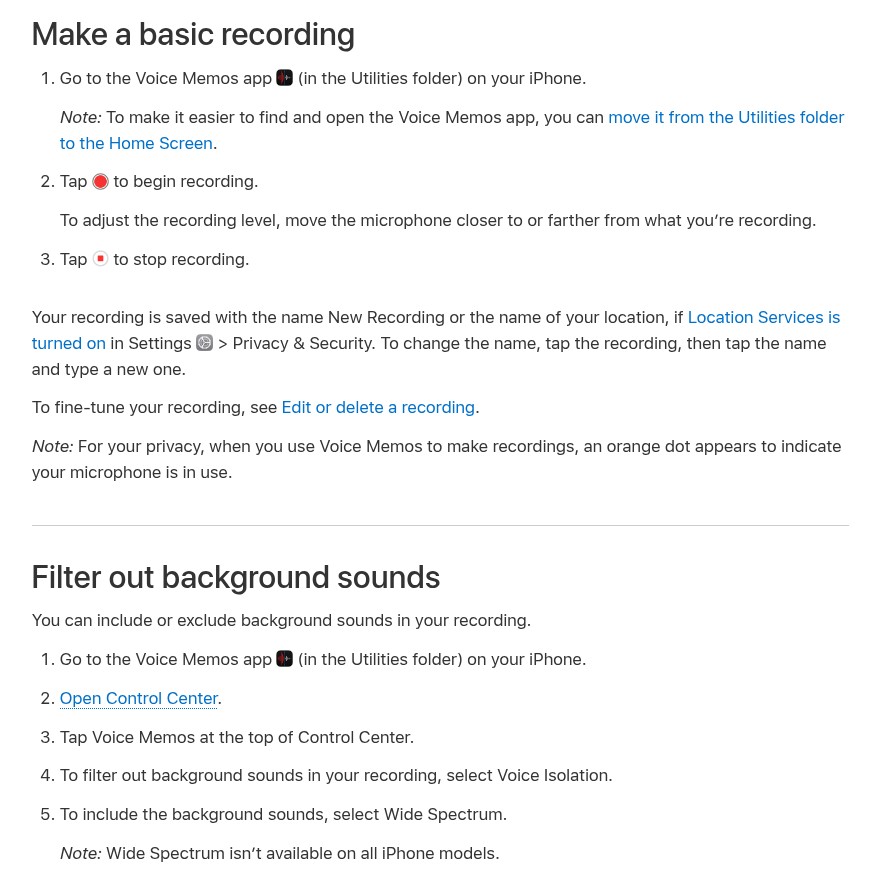
Apple’s own Voice Memos guide, as it appeared on 9 November 2026. Screenshot: Apple Support
The settings to change before you press record
Most phones ship with settings that suit voice notes, not paid audio. A few minutes in the menus makes a real difference. We’ll use the iPhone’s built-in Voice Memos app as the example because Apple documents its settings clearly, but Android recorders have similar options under different names.
Quality first. Voice Memos can save smaller, compressed files to spare your storage, which is the last thing you want for work. In Settings, open Voice Memos (on newer versions it sits under Apps) and change Audio Quality to Lossless. Apple’s own guide describes the two choices plainly: “Choose either Compressed (for lower-quality, smaller files) or Lossless (for high-quality, larger files).” The files are bigger. That’s fine. You can delete them once they’re safely on your computer.
Mono, not stereo or Spatial Audio. Voice over is almost always delivered in mono, and a single voice doesn’t need the room spread across two ears. Apple’s guide says that “On supported iPhones, recordings using the built-in microphone automatically record in Spatial Audio.” To change it, go to Settings, tap Apps, tap Voice Memos, then Recording Mode, and choose Mono.
Decide about the noise filter yourself. Apple lets you choose how much of the room you keep. In Control Center, while Voice Memos is open, you can pick between two modes: “To filter out background sounds in your recording, select Voice Isolation. To include the background sounds, select Wide Spectrum.” It’s tempting to leave the filter on, but that kind of processing can make a voice sound slightly watery or chopped at the ends of words, and you can’t take it off afterwards. Record the same line both ways and listen on headphones. If your room is quiet enough, the unfiltered take usually sounds more natural.
Silence the phone itself. Turn on Do Not Disturb or Airplane Mode so a call or a buzzing notification doesn’t wreck a perfect take. While you’re there, mute the start and stop tones. Apple says you can do that “by turning on Silent mode.”
© The Voice Realm
Where the phone goes, and how to stop the house joining in
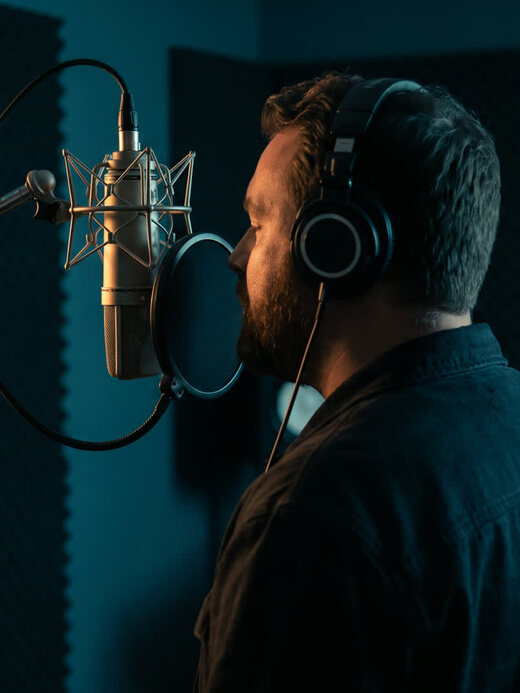
Don’t hold the phone. Every tiny shift of your fingers turns into rumbles and clicks on the recording, and your arm will drift closer and further as you read. Prop it on a small stand, a pile of books or a folded towel so it stays put.
Next, find the microphone. On most phones the main one for voice is a small hole on the bottom edge, near the charging port. Point that end towards your mouth, a little off to one side, so your breath on hard sounds like P and B goes past it rather than straight into it.
 VOICEMASTERACADEMYFirst read to first booking.Twenty modules. The first one is free.Start free
As for distance, a common starting point is about 20 centimetres. McMaster University’s library guide to recording on an iPhone puts it simply: “hold phone 8-inches from your face.” Apple’s guide gives the same lever for loudness: “To adjust the recording level, move the microphone closer to or farther from what you’re recording.” Closer gives you a fuller, warmer sound and less room. Further gives you more room and less weight. Do a couple of test lines and pick the spot where you sound like yourself on a good day.
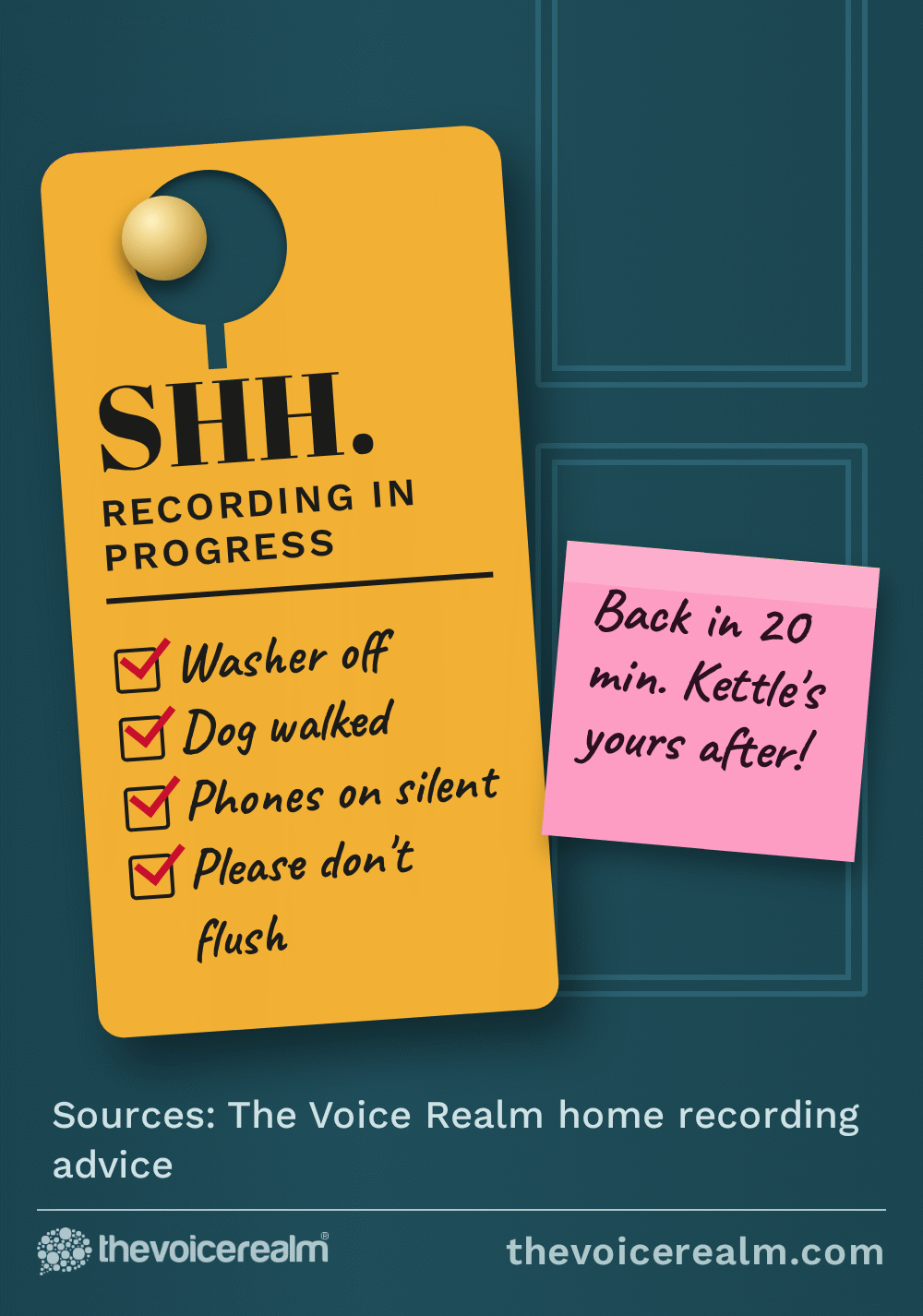
Then deal with the household. Fridges hum, washing machines rumble, and somebody always decides to run a tap the moment you nail a line. Tell people you’re recording, switch off what you can, and put your own phone on silent if you’re recording on a different one.
Last of all, do a proper test before the real take. Read the first paragraph of your script, stop, and listen back on headphones from start to finish. You’re listening for three things: a hum or hiss under your voice, a hollow ring after each line, and pops on the P and B words. Fix whichever one you hear, test again, and only then record for real.
© The Voice Realm
Plug in a better mic when you’re ready
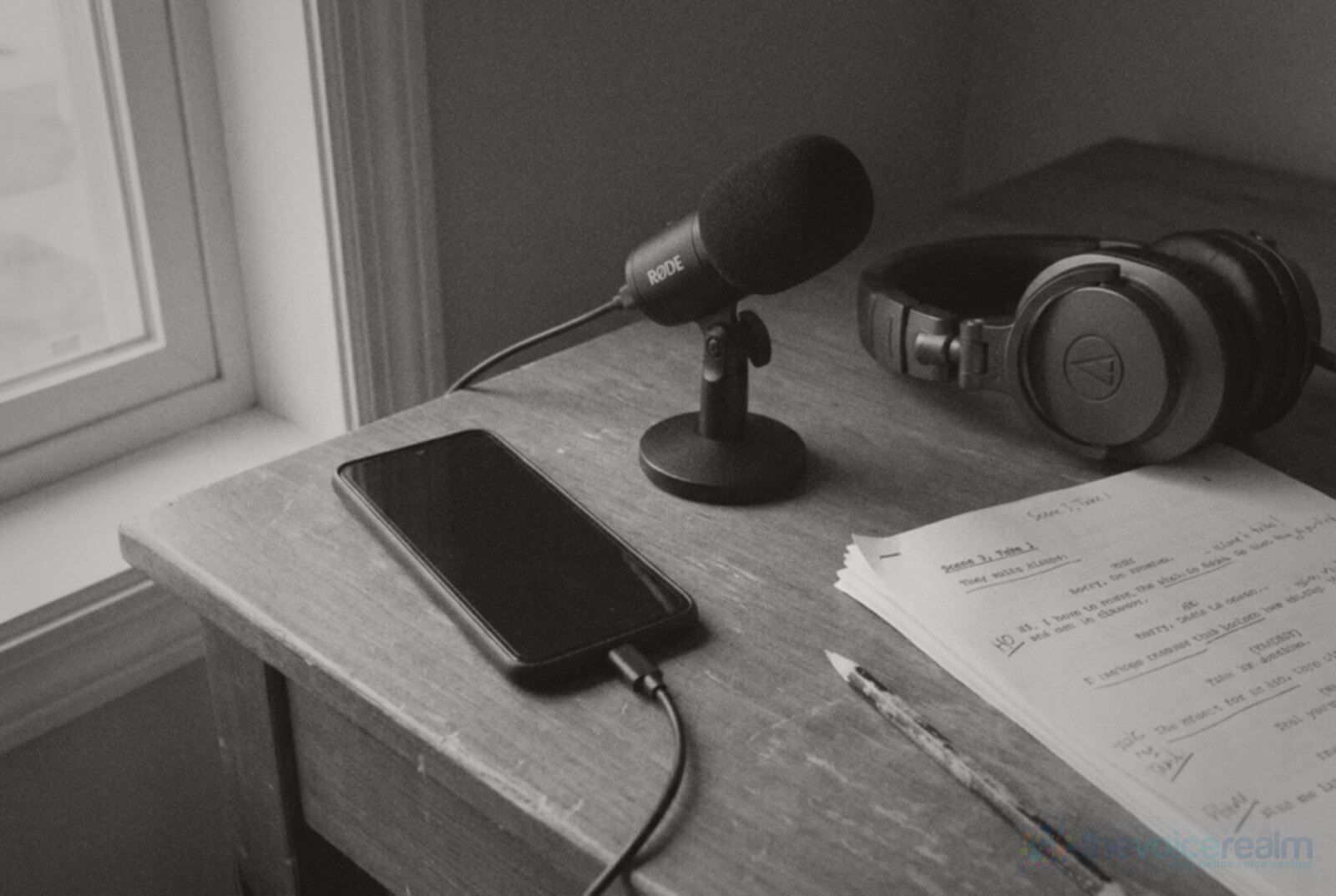
The single biggest upgrade for phone recording is an external microphone. Even a modest USB-C mic on a desk stand gets the capsule closer to your mouth and further from the room, which is exactly what you want.
Apple’s guide confirms that Voice Memos can record with “the built-in microphone, a supported headset, or an external microphone,” and suggests looking for accessories marked “Made for iPhone” or “Works with iPhone.” On Android, most USB-C microphones work with the phone’s own recorder or a dedicated recording app. Check the mic’s support page for your exact phone before you buy.
Don’t overspend at this stage. If you’re thinking of moving up to a proper desk setup, our guide on choosing between a dynamic and a condenser mic explains which type suits a room that isn’t perfect.
© The Voice Realm
Getting the file off the phone and into shape
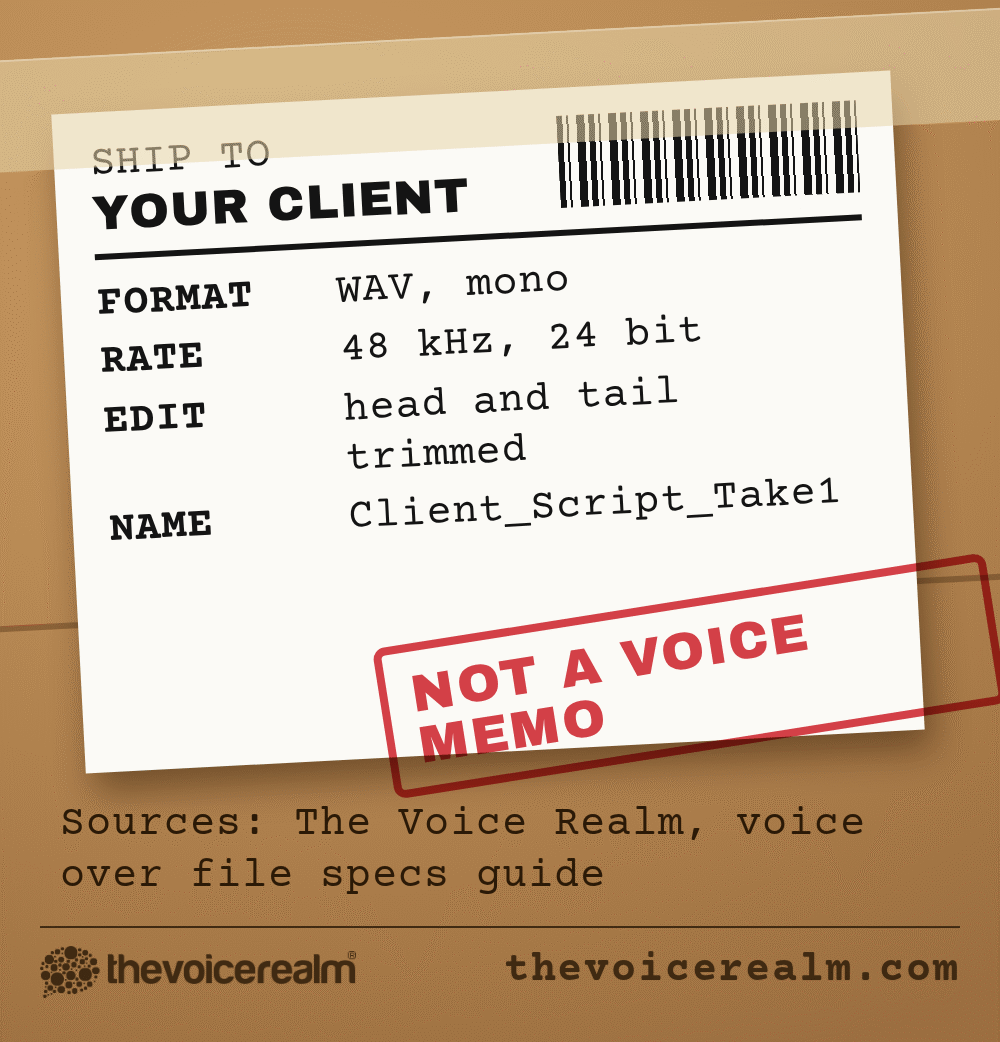
A raw voice memo isn’t a finished voice over. Clients expect a clean, trimmed file in the format they asked for, named so they can find it, with no long silences at the start, no gasps between lines and no coughs left in.
Get the recording onto a computer first. AirDrop, a cable, cloud storage or emailing it to yourself all work. Then open it in a free editor, trim the top and tail, take out the stumbles and export it as a WAV file. Leave a couple of seconds of silence in your workspace too, because it gives noise reduction a clean sample of your room to work from if you need it. Our step by step guide to cleaning up your own takes walks you through the editing, and the file specs clients actually ask for covers sample rates, bit depth and naming.
One habit worth building now: listen back on headphones, not the phone speaker. A phone speaker hides hiss, room echo and mouth clicks that a client’s headphones will find in about two seconds.
When the phone isn’t enough
A phone is a brilliant tool for some jobs and the wrong one for others. Here’s where we’d draw the line.
Practice, learning and a pinch
Daily reading practice, hearing how your voice actually sounds, marking up and testing a script, a quick audition when you’re away from home, and a pickup line or two on the road when you’ve matched the original room as closely as you can.
Paid, finished audio
Commercials, e-learning courses, audiobooks and anything going on air or into a long project. These need consistent sound from the first file to the last, often for weeks, and that’s very hard to hold on a phone.
That second column is the real reason working voice actors invest in a dedicated mic, interface and treated space. It isn’t snobbery about gear. A client hiring you for a forty-module course needs module forty to sound exactly like module one, and a phone on a pile of books in a different room each time can’t promise that.
If you’re right at the start, though, don’t let the lack of a studio stop you. Read out loud every day, record on whatever you’ve got, and listen back with honest ears. If you’d like structured help building the skill while you save for gear, Voice Master Academy is a good place to learn the craft side properly. The voice comes first. The equipment can catch up.
Sources: Apple, “Make a recording in Voice Memos on iPhone”, iPhone User Guide. Apple, “Change settings in Voice Memos on Mac”, Voice Memos User Guide. McMaster University Library, “Recording Audio with an iPhone (Voice Memo)”, A Guide To At Home Media.
Ready to get booked?
See the jobs open right nowAbout Sarah Robbins
Sarah Robbins writes for The Voice Realm about finding voice over work, home studios, casting and the business side of voice acting.