Blog
Blog
You’ve treated the room, the echo has gone, and the read sounds close and warm. Then you turn the headphones up during a pause and there it is: a low hum, a soft hiss, a car that wasn’t there when you started. This guide is for voice actors recording at home who want to find where background noise is coming from and get rid of it, without building a new room.
Echo and noise are different problems with different fixes. If you’re still at the echo stage, our guide to treating a room with blankets and soft furnishings is the place to start. This one picks up where that leaves off: the sounds that get into your recordings from somewhere else.
Measure the quiet before you fix anything
Guessing is how people spend a month on the wrong thing. So the first job is a number.
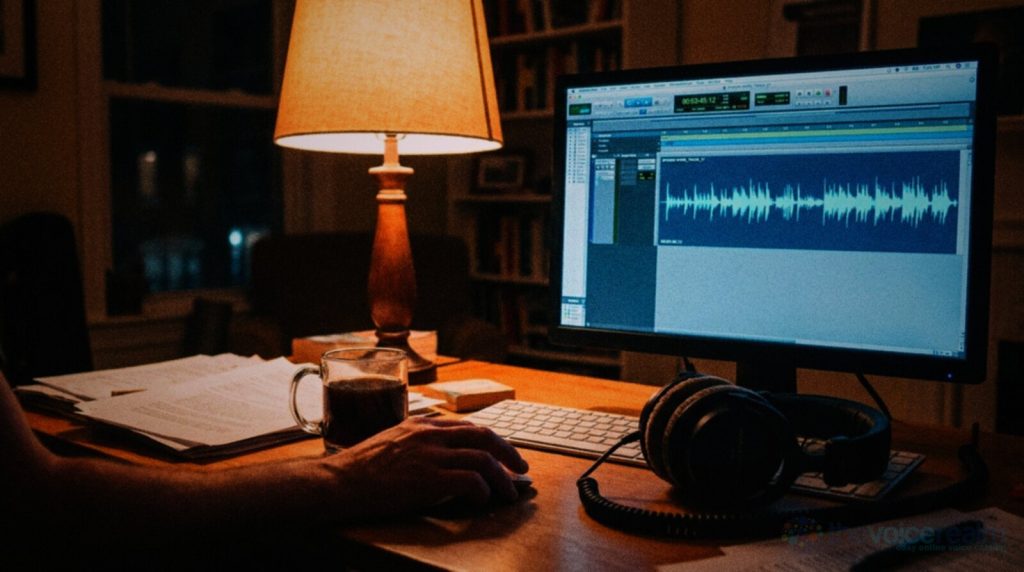
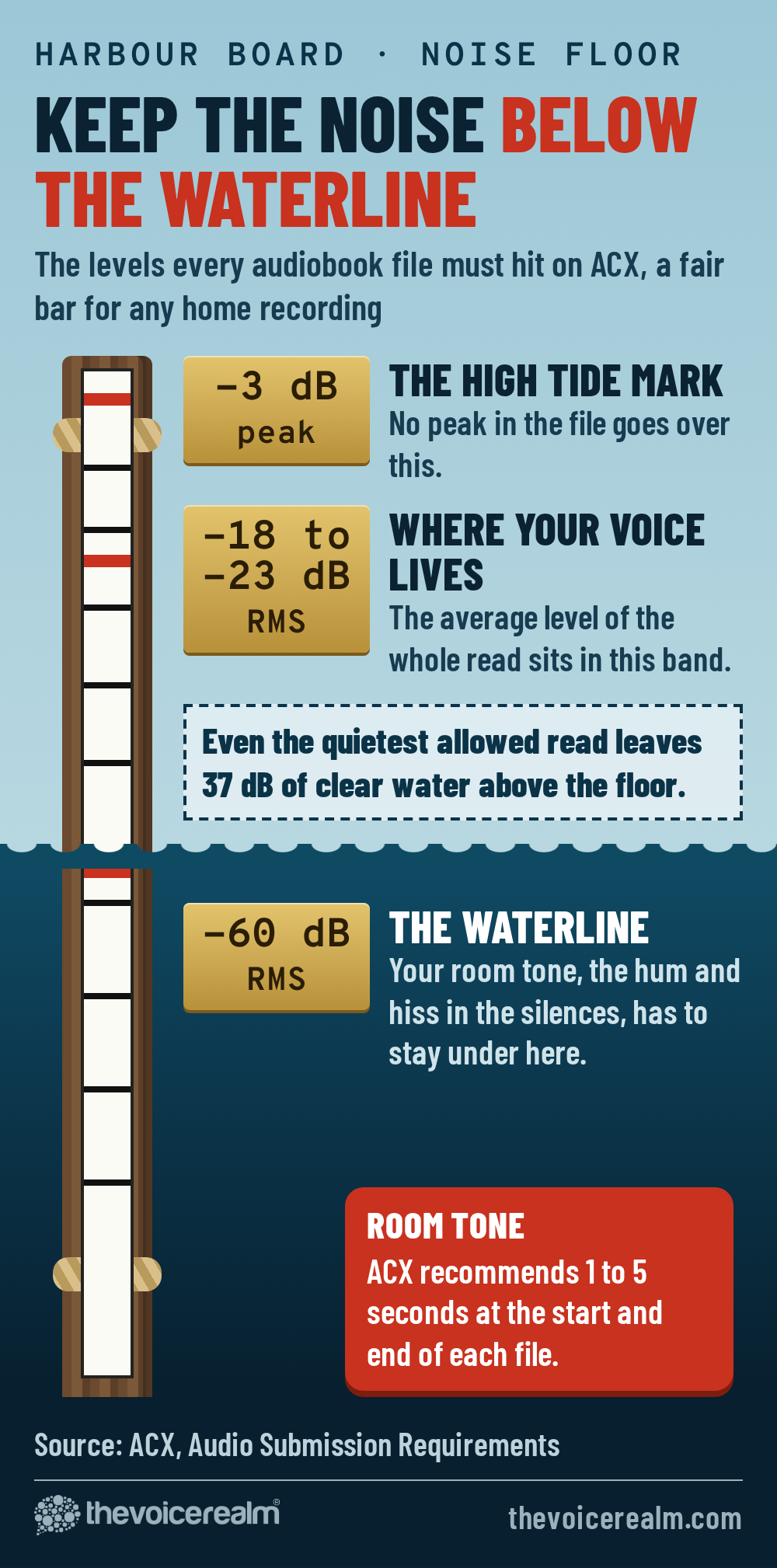
Set up exactly as you would for a session: mic in place, gain where you normally have it, door shut. Hit record and stay still and silent for thirty seconds. Don’t breathe on the mic, don’t shift in the chair. That stretch of nothing is your room tone, and its level is your noise floor.
Most recording software will tell you the level of a selection. Select the middle twenty seconds and look at the RMS figure, which is an average rather than a peak. For a working benchmark, ACX, the audiobook production platform, publishes the bar every audiobook file has to clear: “Each file must have a noise floor no higher than -60dB RMS to avoid background noise distractions.” Even if you never narrate a book, it’s a fair target for any voice work. Clients don’t quote numbers, but they hear the difference.
If you’d like a second opinion, Voice Edit Suite’s free Home Studio Analysis asks you to read a thirty-second script in your normal setup, then measures the raw file for noise floor and hum as well as echo, with a suggested fix for each problem it finds. Measure now, fix one thing, measure again. Keep a note of each reading so you can see which fix actually moved it.
© The Voice Realm
Hum, hiss or rumble? Name the noise first
Turn your headphones up and listen to that thirty seconds of silence on a loop. Then describe what you hear, because the kind of noise points to where it comes from.
A hum that sits on one pitch is worth a closer look in your editor’s spectrum view. Mains electricity runs at 60 cycles a second in North America and 50 in the UK, Europe and Australia, so an electrical hum shows up as a thin line at that frequency and its multiples. If you see that ladder of lines, you’re hunting for a cable or a plug, not a car.
- A steady hum. A low, even tone that never changes. Usually electrical: a fridge motor, a transformer, a cable picking up mains power, or a ground loop between two pieces of gear.
- A soft hiss. Like air or tape. Often your own equipment: gain set too high, a noisy preamp, a laptop fan, or air moving through a vent.
- A deep rumble. You feel it as much as hear it. Traffic, a train line, a washing machine on spin, heating pipes, footsteps on the floor above.
- Clicks and ticks. Irregular and sharp. A wall clock, a radiator warming up, a hard drive, a dog’s claws on floorboards in the next room.
The usual suspects in a home
Most home noise comes from things that switch themselves on. That’s why a room can measure fine at 9am and badly at 2pm.
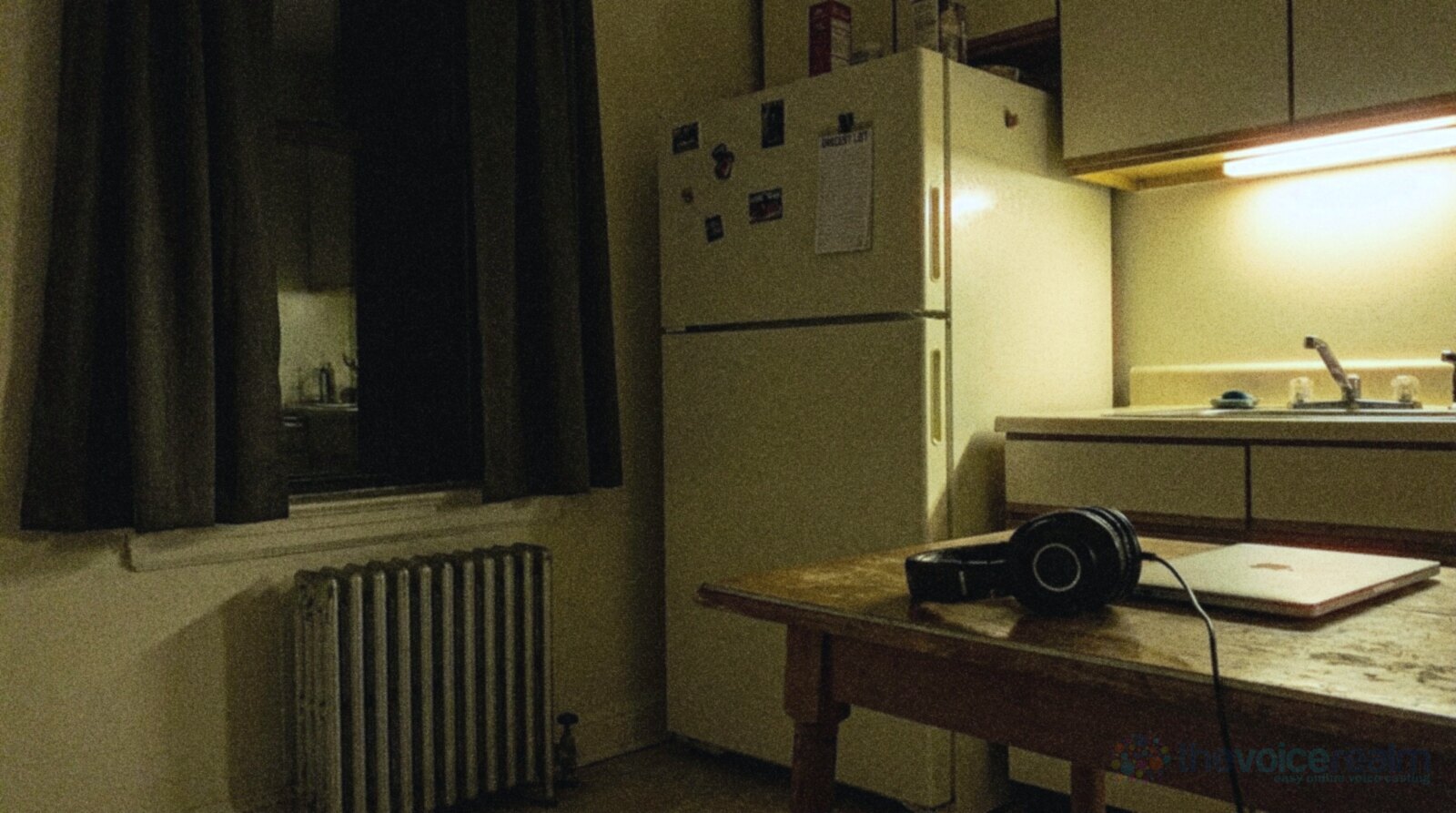
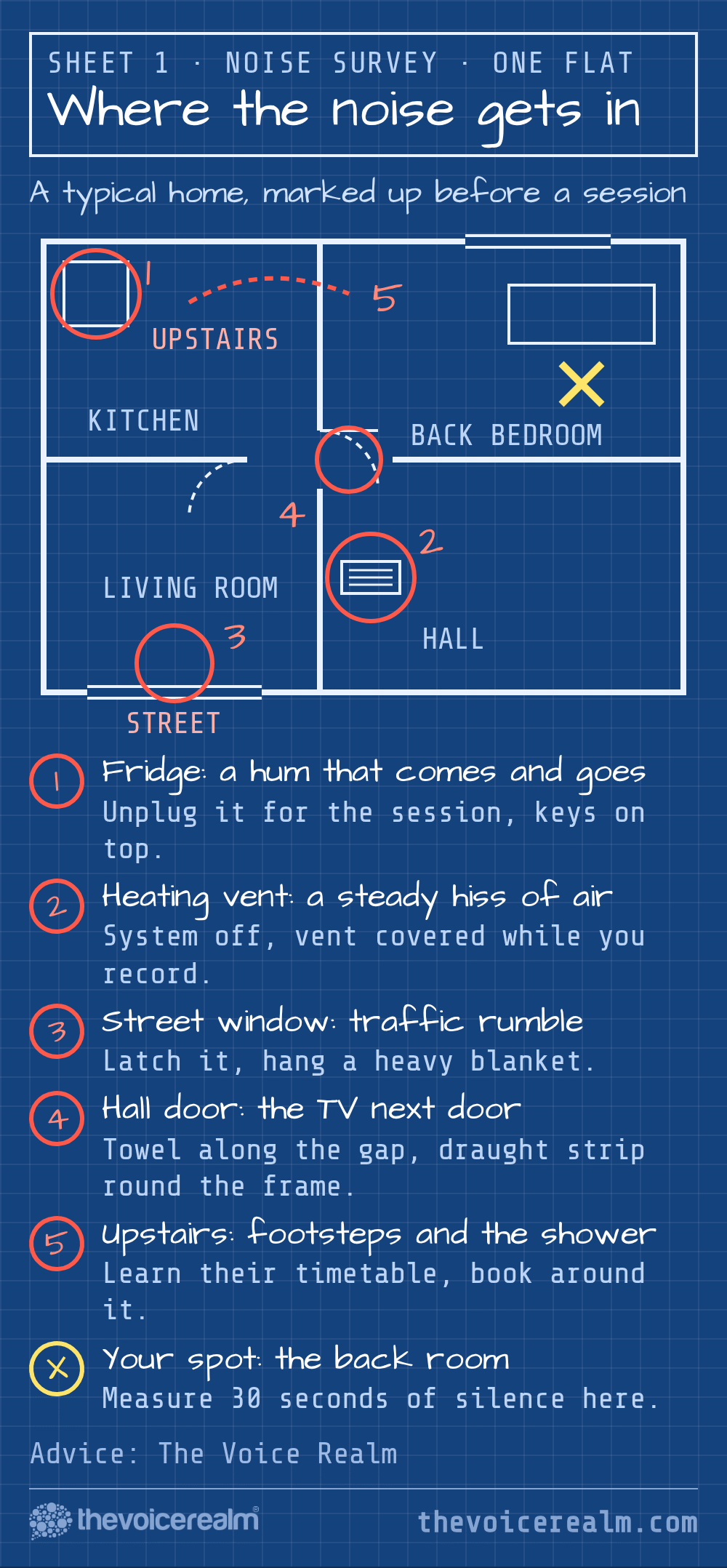
The fridge is the classic. Its compressor kicks in on its own schedule, hums for a while, then stops, so a take recorded during the quiet part and a pickup recorded during the hum won’t match. If the kitchen is next to your booth, listen for it, and know where the plug is. Unplugging it for an hour of recording is fine. Forgetting to plug it back in is how you lose the milk, so put your car keys on top of it.
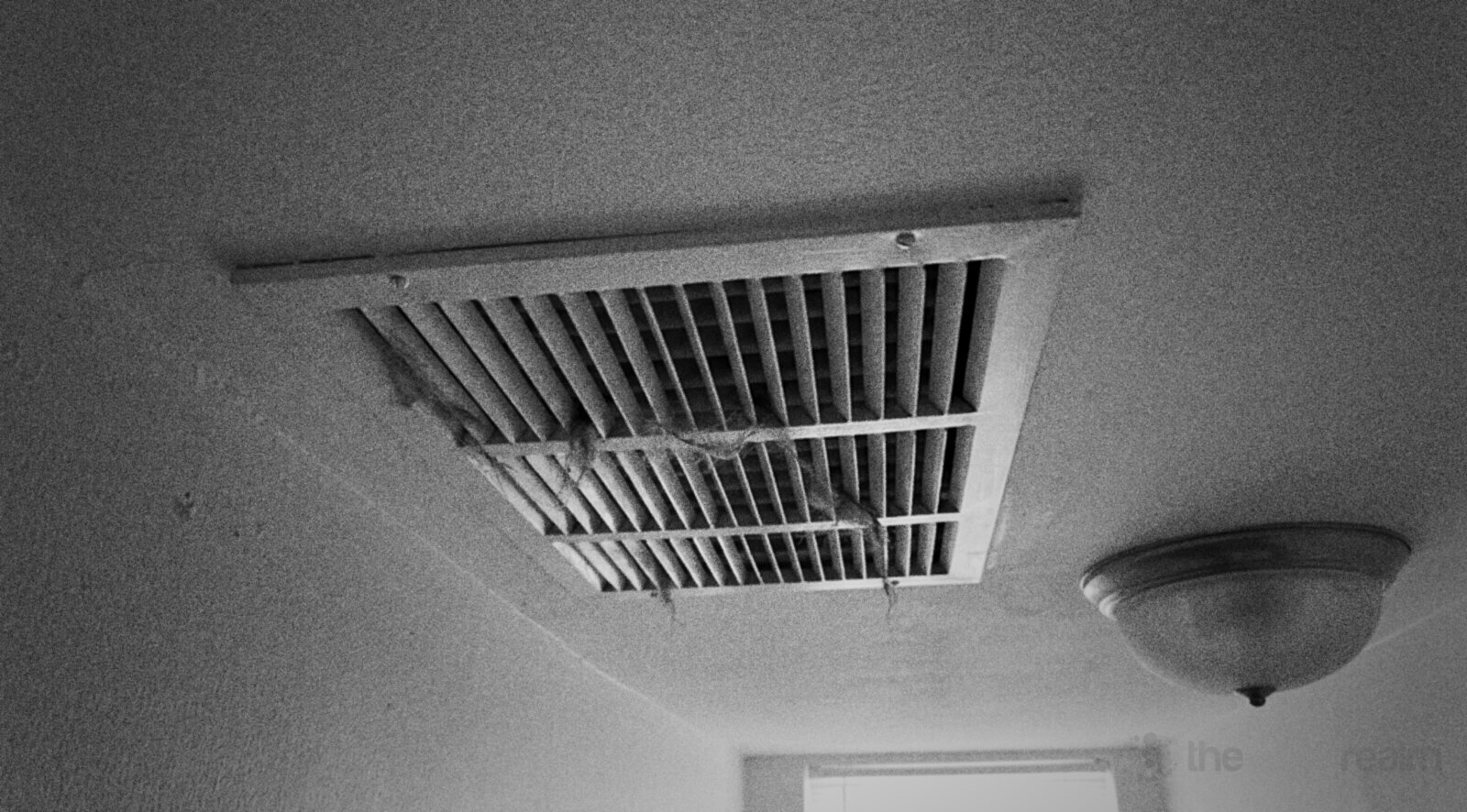
Heating and air conditioning are next. Forced air pushes a steady hiss out of every vent, and the ducts carry sound from the rest of the building straight to you. Radiators tick as they warm and cool. Turn the system off for the length of a session if you can, and if the booth has a vent, cover it while you record (and uncover it after, so you’ve got air to breathe).
Then there’s everything else that runs in the background: a dehumidifier, a fish tank pump, the router’s tiny fan, a ceiling fan on its lowest setting that you stopped hearing years ago. Your ears tune these out. Microphones don’t.
© The Voice Realm
Doors leak more than walls
Sound behaves a lot like water. It finds the gaps. A wall might stop most of the traffic outside, but a door with a gap under it lets a surprising amount straight through.
Paul White, writing in Sound On Sound, put it plainly: “it’s surprising just how much sound gets through and around a typical internal door.” Interior doors are often hollow, they rarely seal at the edges, and many have a gap at the bottom for air. Every one of those is a path for the television in the next room.
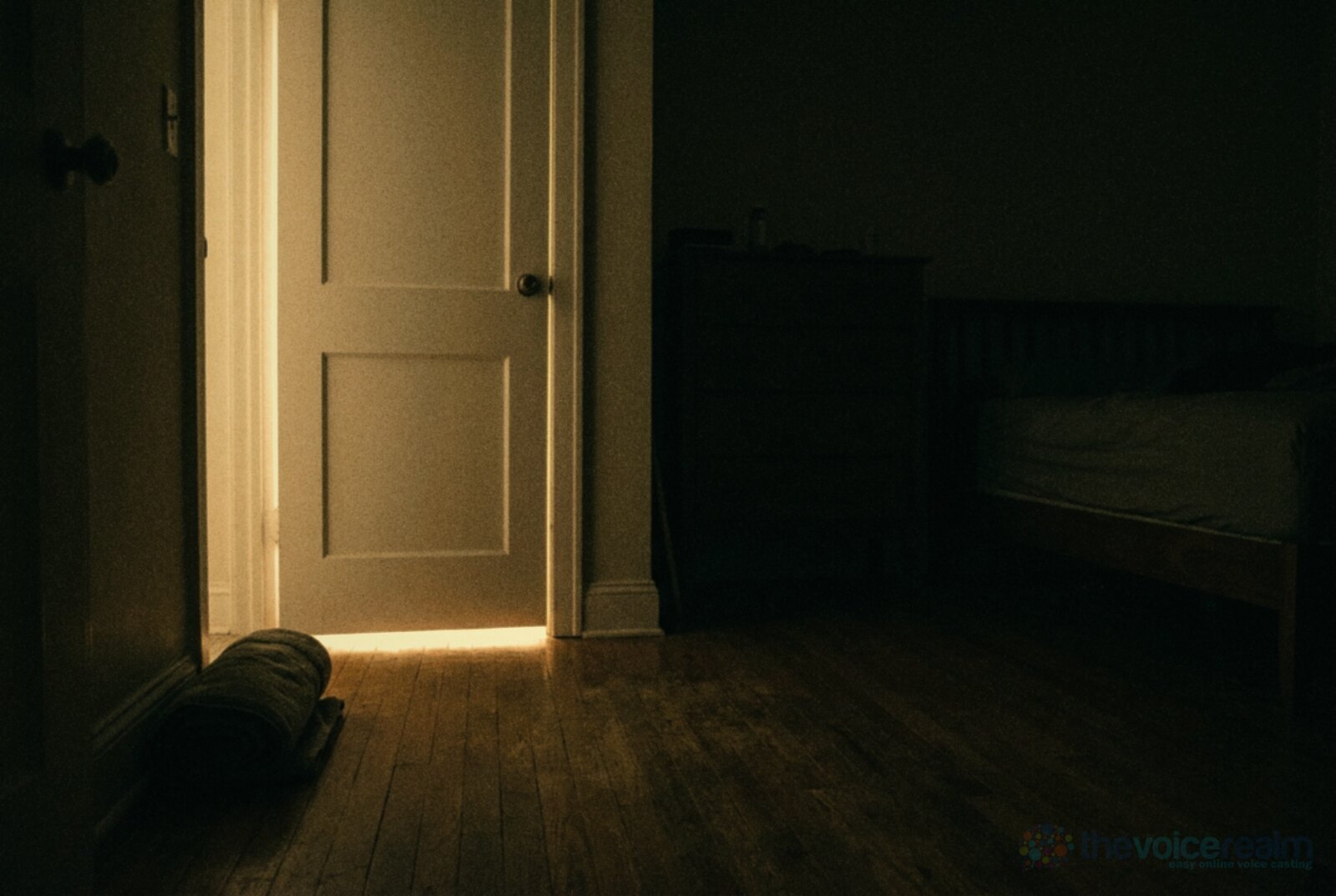
The cheap fixes help more than you’d expect. A rolled towel along the bottom closes the biggest gap. Self-adhesive draught strip around the frame closes the edges, and it’s the same stuff people buy to keep a room warm. If you own the place and the door is hollow, a solid-core door is a bigger job but a real improvement. Test after each step with your thirty seconds of silence.
One thing that doesn’t block noise is foam. The same Sound On Sound guide notes that egg boxes “are virtually useless for soundproofing,” and says the same of acoustic foam and even Rockwool: “they’re mainly for acoustic treatment, not for soundproofing.” Foam is light and full of air, and sound passes through it.
© The Voice Realm
Windows, and the blanket trick
Glass is thin compared with a wall, and a window that faces the street is often the loudest surface in the room. “Even double-glazed windows offer only a limited amount of sound isolation compared to a solid wall,” White wrote, “though they are far better than single-glazed units.”
 VOICEMASTERACADEMYLearn the craft in order.Module one is freeStart module oneTwenty modules, start to finish.
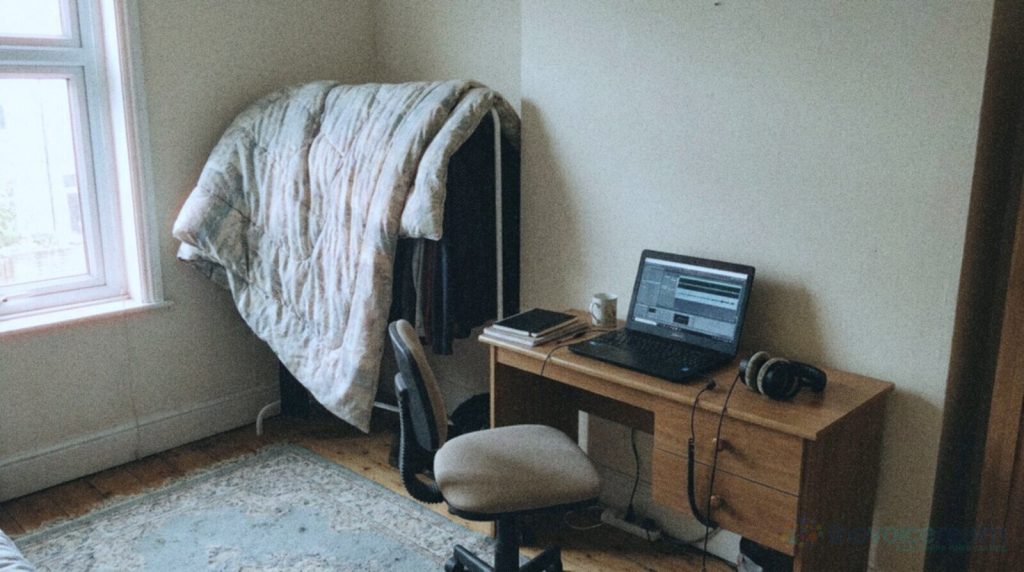
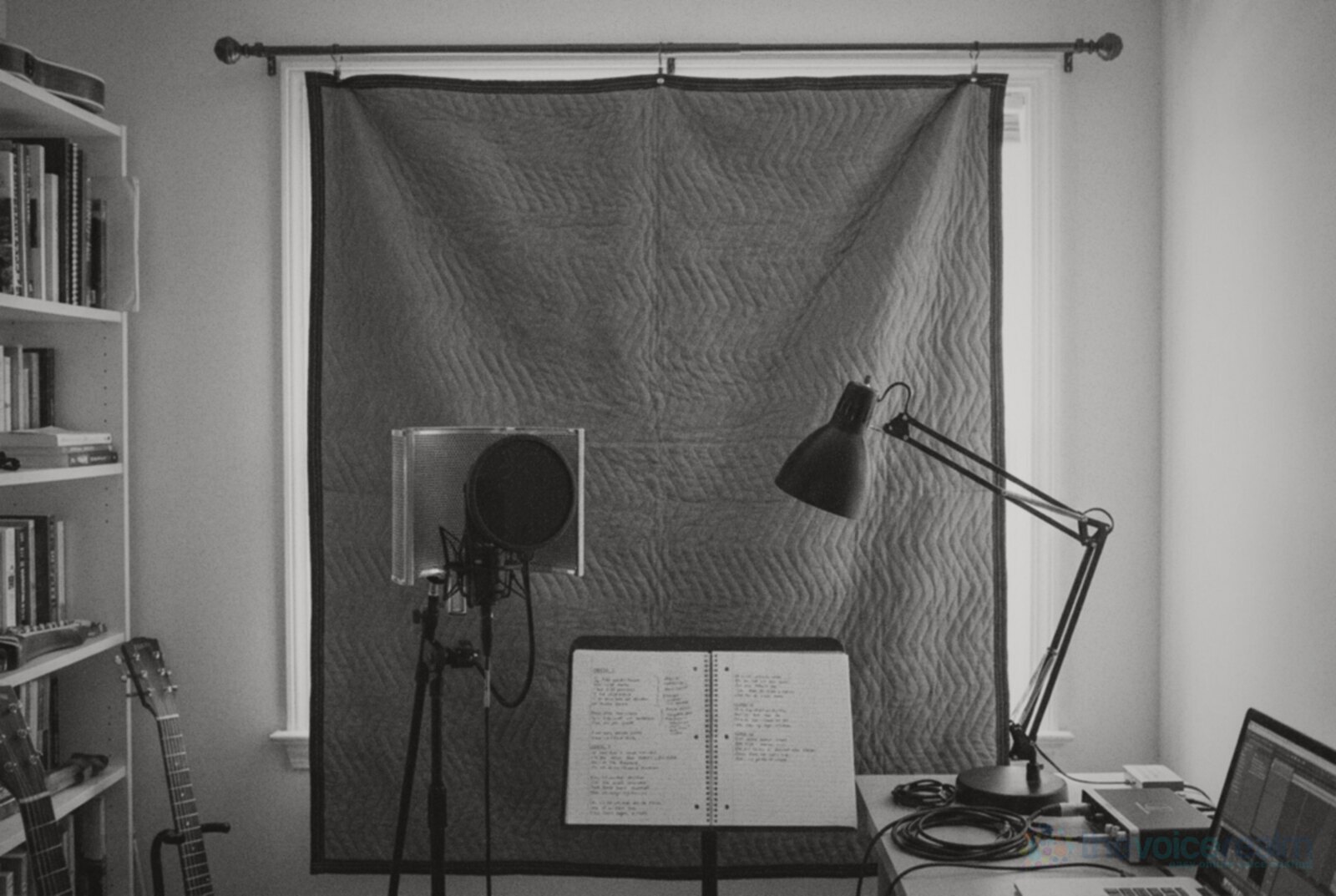
If you can choose your room, pick the one away from the road. If you can’t, work with the window you’ve got. Make sure it shuts properly, latch and all. A thick moving blanket hung from a curtain rod over the window won’t make it soundproof, but it does two useful things: it cuts the bright reflections off the glass, and the extra layer takes a little edge off high-pitched outside noise. Heavy, dense fabric beats thin curtains every time.
Low sounds are the hardest to stop. White explains that “for every octave drop in pitch, the sound isolation is halved,” which is why a bus rumbles through a window that keeps out birdsong. Don’t expect a blanket to beat a truck. For that, you need the next trick.
© The Voice Realm
Fix the timetable, not just the room
Some noise you can’t block, but you can work around it. Every home has a noise timetable, and once you know yours, you can record in its quiet patches.
Spend a week jotting down what you hear and when. School runs, bin day, the neighbour’s lawnmower on Saturday mornings, the flight path that gets busy after six, the upstairs shower at 7.15. You’ll start to see windows of quiet that repeat. Late evening and early morning are often the calmest, which is why so many narrators keep strange hours.
Build your sessions around those windows. Save the long, quiet narration for the calmest stretch and do the noisier jobs, like editing, invoicing and auditions you’ll redo anyway, when the street is busy. And if a live directed session lands at the worst hour, it’s fine to tell the client you’ve got a garbage truck due at ten past and ask for a short pause. Producers would much rather wait two minutes than rebook.
Noise you make yourself
Here’s the uncomfortable part: some of the hiss in a home recording comes from the setup, not the house.
Start with gain. If the gain on your interface is set very high to make up for speaking softly or sitting far from the mic, you raise the room’s noise along with your voice. Sit at a sensible distance, speak at your normal level, and set the gain so your loudest lines peak with some headroom. We’ve written a whole guide on getting gain and levels right, and it’s worth a read if your floor sits around -50.
Then the computer. A laptop fan near the mic is one of the most common sources of steady hiss. Move it as far from the mic as your cables allow, point the mic away from it, and close anything heavy that’s making it work hard. A long USB cable or a cheap extension can buy you a couple of metres. If you use a desktop tower, the space under the desk is a better home than the top.
Last, cables and power. A buzz that changes when you touch the interface or move a cable is often a grounding problem. Try plugging the computer and the interface into the same power strip, run audio cables away from power cables rather than alongside them, and unplug phone chargers and lamp dimmers near the desk to see if the buzz goes with them. Swap one thing at a time so you know which one did it.
Where noise reduction helps, and where it hurts
Every editor now has a noise reduction button, and it’s tempting to record anywhere and clean it up afterwards. It works up to a point. A light touch can take a faint, steady hiss down a few decibels and nobody will notice.
Push it further and the voice starts to change. Consonants lose their edges, breaths sound watery, and quiet words come out with a strange, swirly quality that clients notice even when they can’t name it. Steady noise is the easiest to reduce. Irregular noise like traffic, voices or a dog is much harder, because software can’t easily tell it apart from you.
There’s also the room tone problem. A lot of work, from audiobooks to e-learning, needs natural silence at the start and end of a file and between paragraphs. If the gaps are dead silent and the speech has a faint processed haze, the edit points show. So treat noise reduction as a last polish, not a fix. Get the floor down in the room first, then use the software on what’s left. If you edit your own files, it belongs near the end of the pass, after the cuts.
© The Voice Realm
A one-evening noise hunt
You can do most of this in a single evening. Here’s the order that wastes the least time.
Record thirty seconds of silence in your normal setup and write down the RMS level. That’s your starting point.
Switch off everything you can in the room: lights with dimmers, chargers, fans, the router if you can live without it for ten minutes. Record again. If the number drops, switch things back on one at a time and you’ll find the culprit.
Walk the house and switch off the big things: heating or air conditioning, the fridge for a few minutes, the dehumidifier. Record again after each one. Most people find one appliance does most of the damage.
Move the laptop away from the mic and drop the gain a notch, then speak a little closer to compensate. Record again.
Seal the door with a towel, latch the window, and hang a heavy blanket over the glass. Record once more.
Finally, note the time and the reading. Repeat the silent take at a few different times over the next week. That’s your noise timetable. Once you’ve got a floor you’re happy with, keep a clean thirty seconds of it saved. When a client sends a pickup three weeks later, you can check the room sounds the same before you start, and you’ll never have to explain why the new lines sound like a different house.
Sources: ACX, “What are the ACX Audio Submission Requirements?”; Paul White, Sound On Sound, “Practical Studio Soundproofing: Part 1”, February 1998; Paul White, Sound On Sound, “Soundproofing & Acoustic Treatment”, July 2000.
Ready to get booked?
See the jobs open right nowAbout Sarah Robbins
Sarah Robbins writes for The Voice Realm about finding voice over work, home studios, casting and the business side of voice acting.