Blog

It’s our industry business card. The file that appears on your website, on casting websites and maybe even the one you submit for auditions when a custom recording is not required.
What makes some voice over demos stand out from others? What are the biggest mistakes beginners and even professional voice actors make?
A quiet demo makes the listener reach for the volume © The Voice Realm
After listening to literally thousands of demos, auditions and submissions during my career, I know what will get someone’s attention within the first few seconds. See how your demos stand after reviewing the following tips.
1. Never begin a compilation demo (your main demo) with impersonations.
You may do the best Arnold Schwarzenegger or Barack Obama impersonation, but the odds of someone booking you to do that are next to none. Clients need to jump through legal hoops to imply that a celebrity has endorsed their product using your voice. Impersonations are rarely cast. 99% of people listening to your demo will stop in the first 5 seconds, I assure you.
2. Always ensure the sound quality of your entire demo is perfect.
You might have done a McDonald’s or Coca-Cola commercial in 1988, but the sound quality of that recording is terrible. You may have impressed your friends way back then, but someone now looking for a good quality recording could not care any less. Sorry, it’s the truth!
3. Try and limit background music and effects.
Any music under your voice should not overpower the recording. This is one of the biggest giveaways of an amateur. Any casting agent can see straight through this. They want to hear your voice, not manipulation of the audio. Let your natural voice be the star.
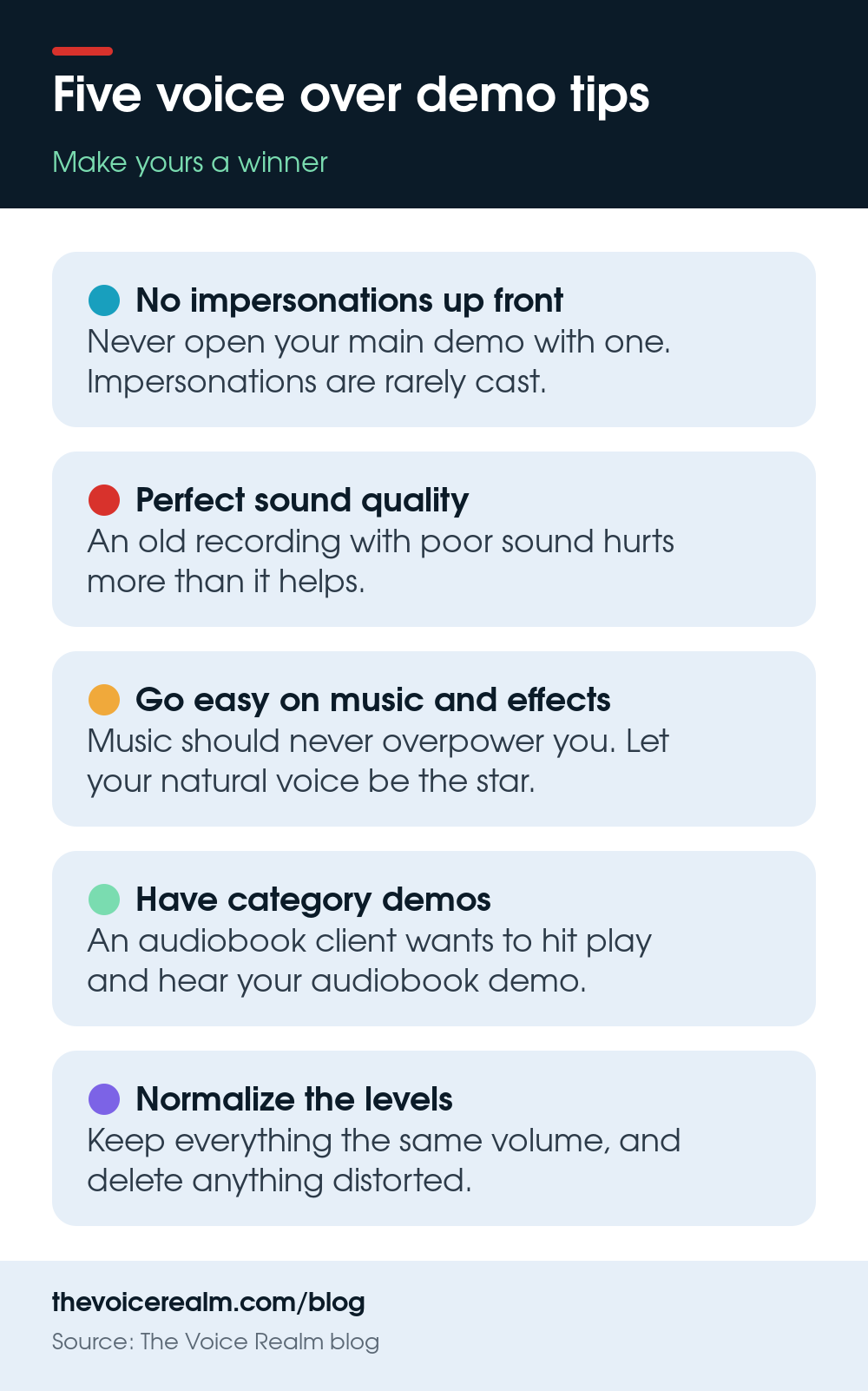
Five demo tips at a glance © The Voice Realm
4. Ensure you have individual ‘category demos’
If a client is looking for a narrator for an audiobook, they want to hit play and hear your audiobook demo. Many professional casting sites like The Voice Realm allow for multiple demos to be uploaded in each category. If you want to show up when the client selects AUDIOBOOK, then you need that demo to appear in results.
5. Normalize all levels.
There’s nothing more frustrating than having to constantly adjust the volume on your computer speakers. Your demo should be ‘normalized’ or compressed slightly to ensure everything is the same volume. This is also true when a client is scanning through casting sites looking for a voice. The demo before yours may sound nice and loud, and then yours comes on and is barely audible. And the worst possible mistake you could make: distortion. No matter how good you think your read is, if that audio file is distorted, it needs to be deleted.
If you follow these steps, you’ll be on your way to coming across as more professional and likely increase your chances of booking more jobs online.
Ready to get booked?
See the jobs open right now